
Demo
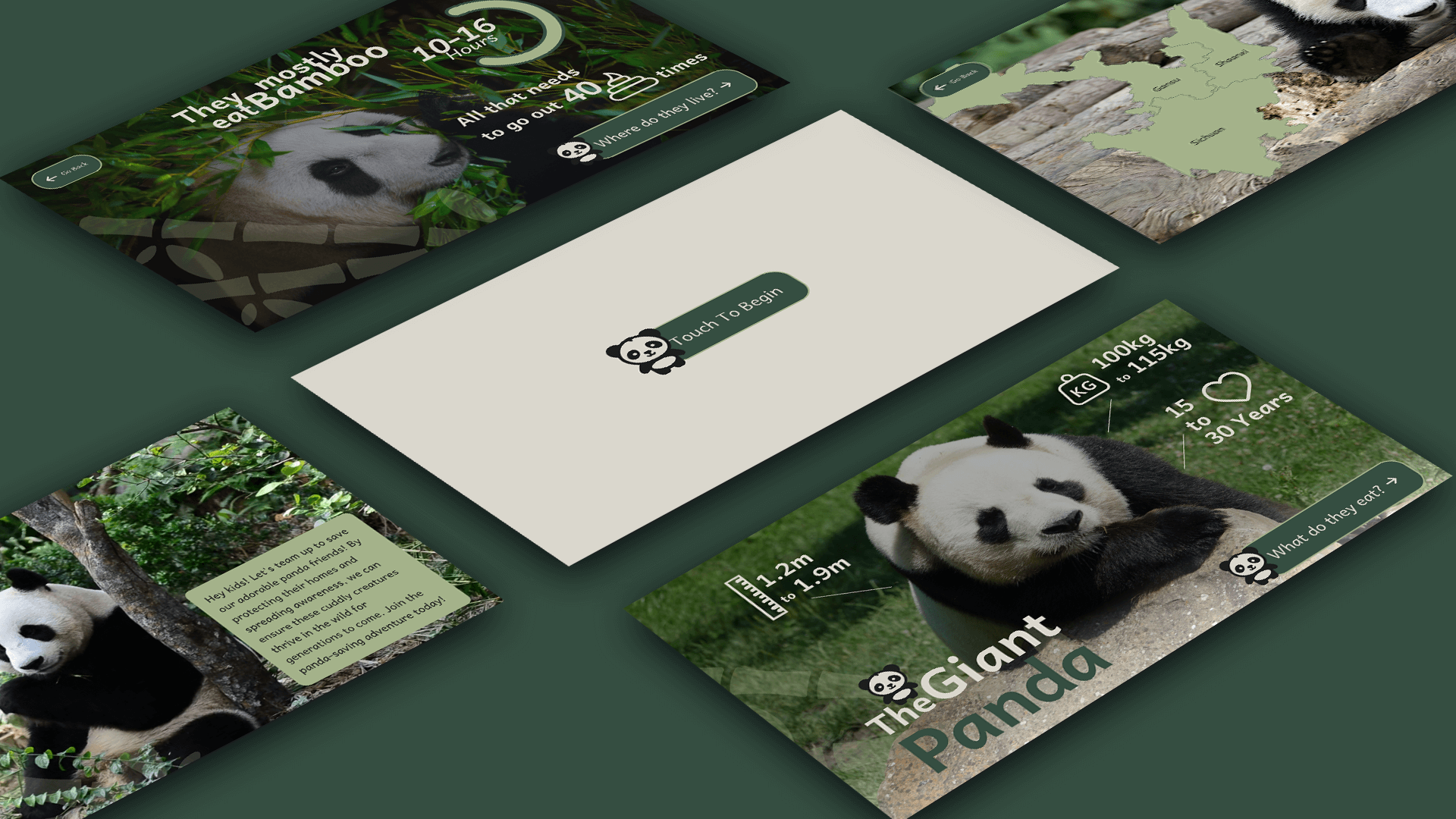
An infographic webapp to be used in a zoo kiosk. The kiosk is designed to be placed near a Panda enclosure and provide information about pandas to the kids visiting the zoo.


Overview
This web app was created to be an infographic about pandas. It has been designed to be run on a zoo kiosk, providing information about pandas.
Since it is catered towards kids, fun type, colors and imagery have been used.

Roles
- User Interface Designer
- Front End Developer
- GSAP Animator
Deliverables
- Completely designed webapp
- Completely developed front end for the app
- GSAP animations
Project Specifications
- Create logos for the kiosk.
- Create icons indicating the information.
- Create reusable assets.
- Design the web app.
- Develop an error free and complete webapp.
Process
I began with sketching out the layout and and flow of the screens, importance was given to imagery as the intended audience is kids.
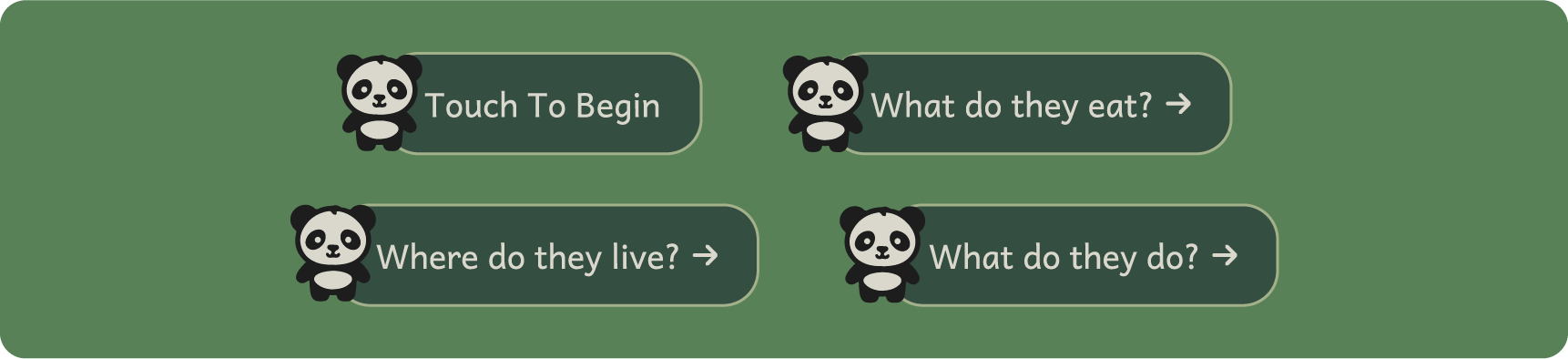
I also created reusable components in figma, as I wanted to make the process very streamlined and easy.

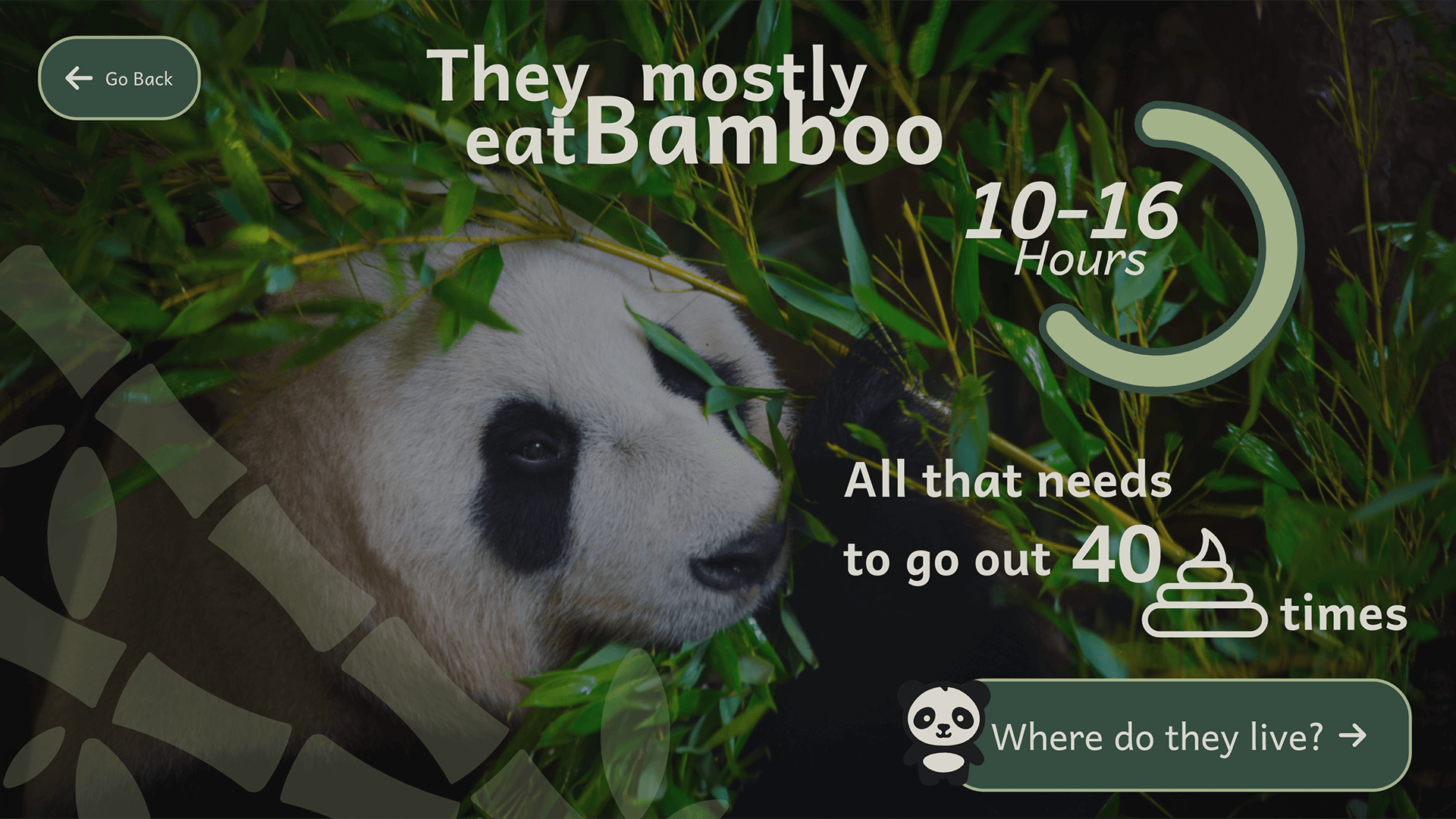
Once the components were ready, I curated fun, interesting images that conveyed the themes of the screen well from the wikimedia commons.
Using the component and the imagery curated, I proceeded to design the screens, taking care to keep it fun and interesting to kids.
Once the design was finalized, I started development. I took the approach of making each screen and SVG and using GSAP animations to reveal and transition the screens.
I took this approach as I wanted to make the transitions lively and wanted to make the whole web app fun and interesting to the kids.
I also added timer where, after 30 seconds on each screen, the web app automatically transitions to the next slide.
The auto transition also works in reverse from the last screen to the first, where it stays until user begins interaction again.

Takeaways
The biggest takeaway from this project for me was implementing effective auto transitions, that didn't feel forced but maintained the flow.
Tools Used